A real terminal
Your login shell with full access to your files and the commands on your PATH. Windows, tabs, SSH tabs, full screen, and saving a window as an image.
 DoghoodieBuy Pro
A terminal for macOS that draws your own shell on a curved CRT screen, in amber or green phosphor.
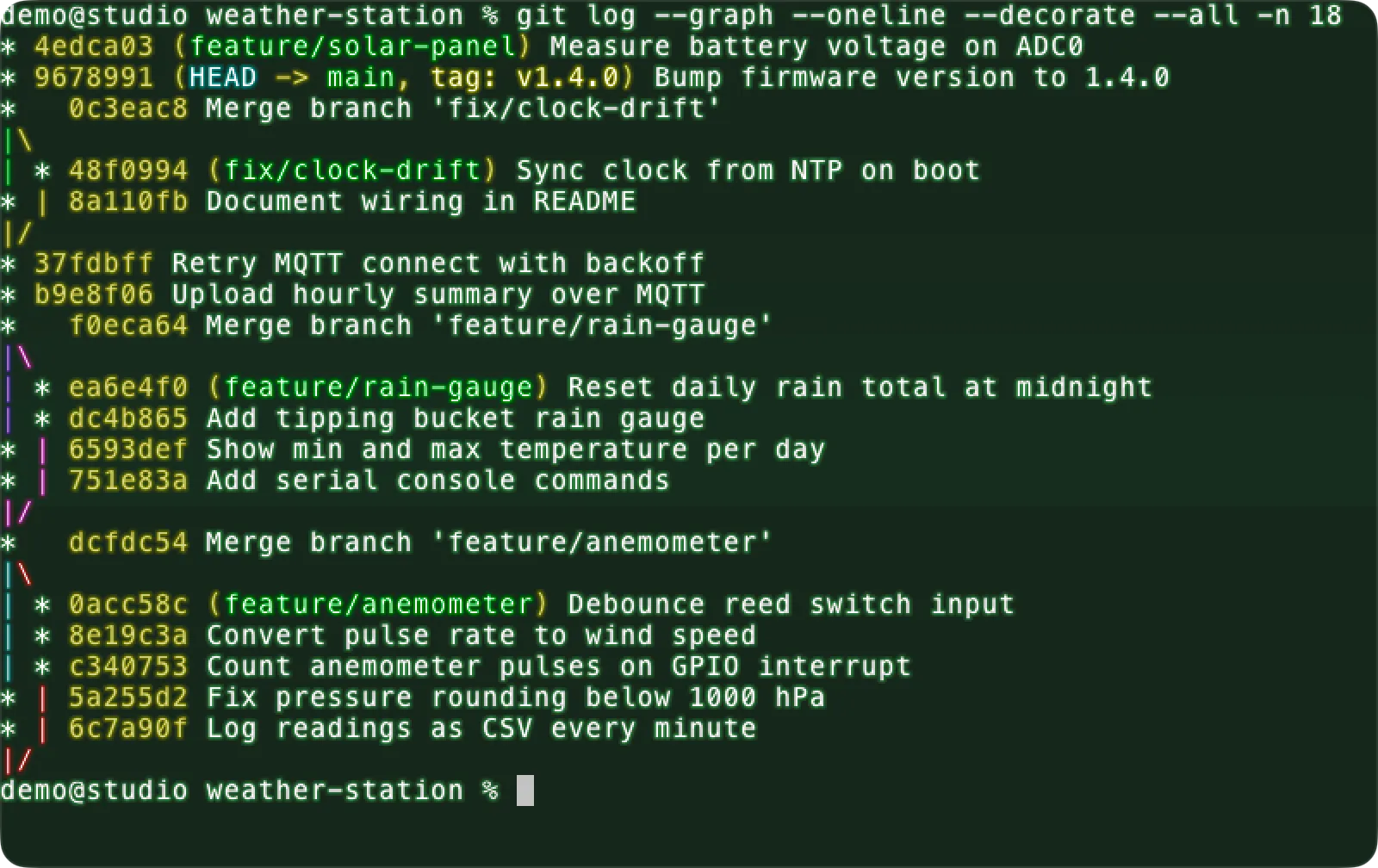
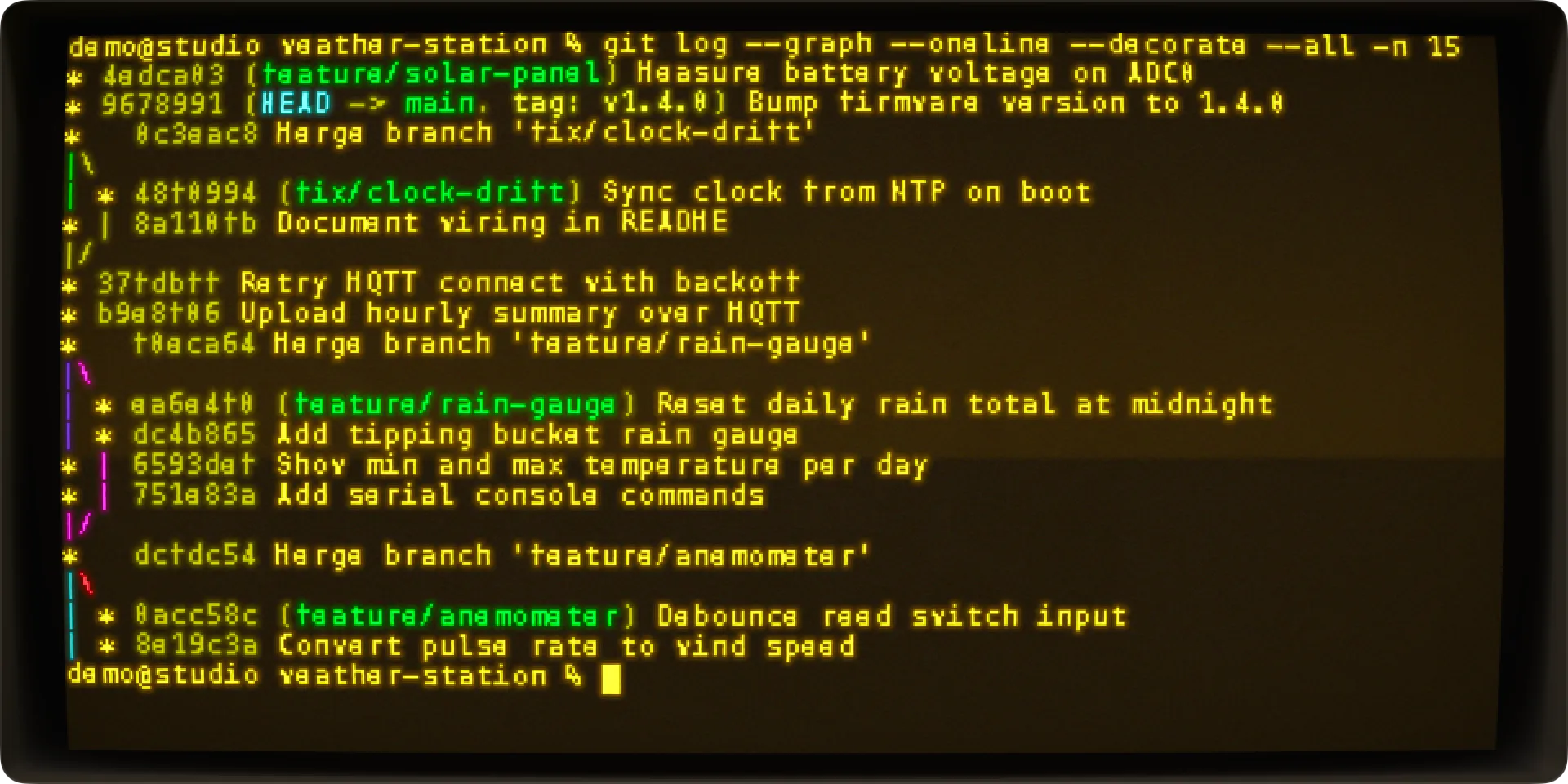
Doghoodie runs your own login shell and draws it on a curved glass screen with glow and scanlines. Everything you do in a terminal still works: your files, git, Homebrew and sudo.
doghoodie tool, and running a saved command from Favorites. 63 seconds, no sound.Doghoodie began with affection for the CRT terminals that once made a Mac feel like a glowing old monitor, and with thanks to the developers who first brought that idea to the Mac. When those apps stopped being updated, a modern Mac no longer had a terminal like that. Doghoodie was made so it would have one again.
It is made for today's Macs. It runs natively on Apple silicon and draws its screen with Metal. It also includes a doghoodie command-line tool and an MCP server, sounds for disk, fan and network activity, a confirmation before running a script downloaded from the internet, and safer pasting.
The name is a dog in a hoodie, and the icon is a monitor wearing one.
Your login shell with full access to your files and the commands on your PATH. Windows, tabs, SSH tabs, full screen, and saving a window as an image.
Curved glass, glow and scanlines. Monitor sliders set the frame, glass, picture and wear of the screen, and you see each change as you drag.
A new window opens the way an old monitor warms up.
Green Rain, Bureau Amber and six more theme pairs, and 12 bundled fonts next to the monospaced fonts on your Mac.
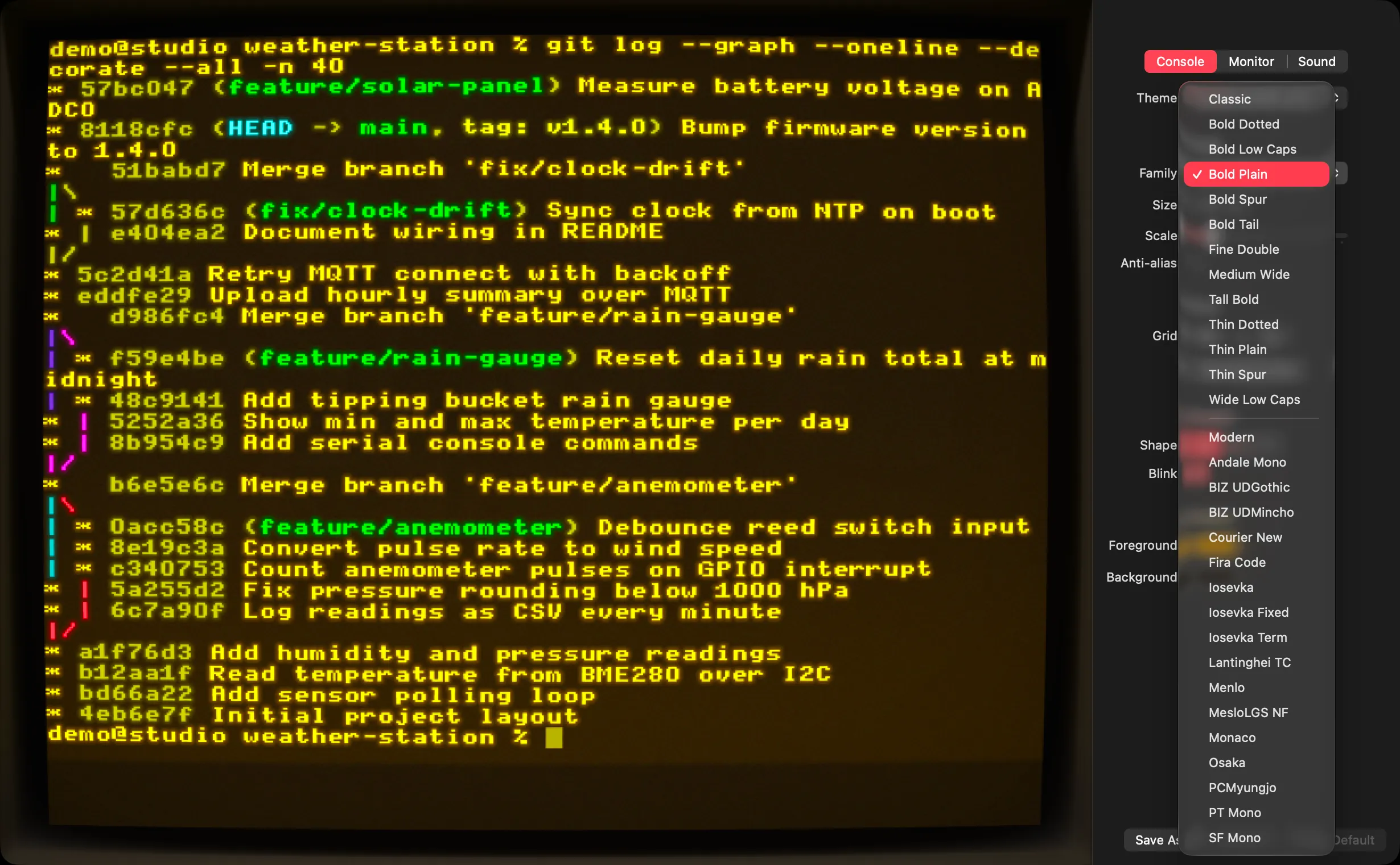
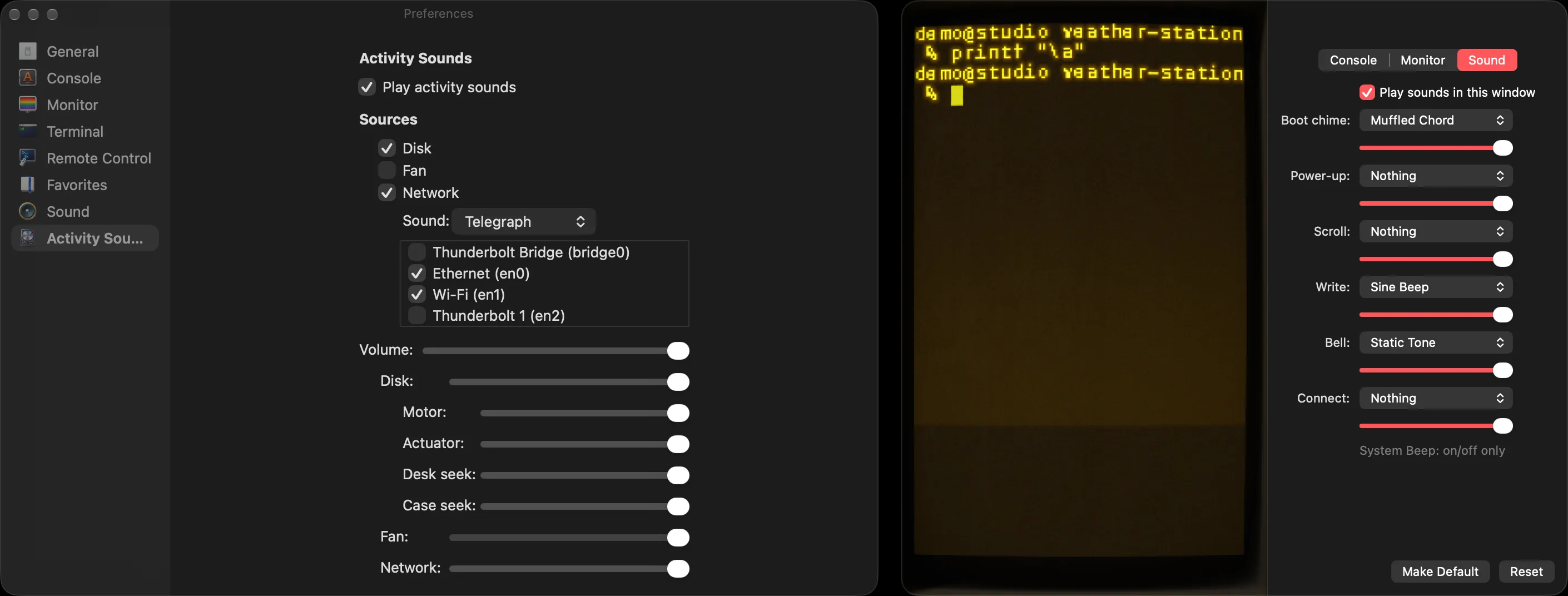
Sounds for terminal events such as the bell and key presses, and sounds for activity on your disk, fan and network.
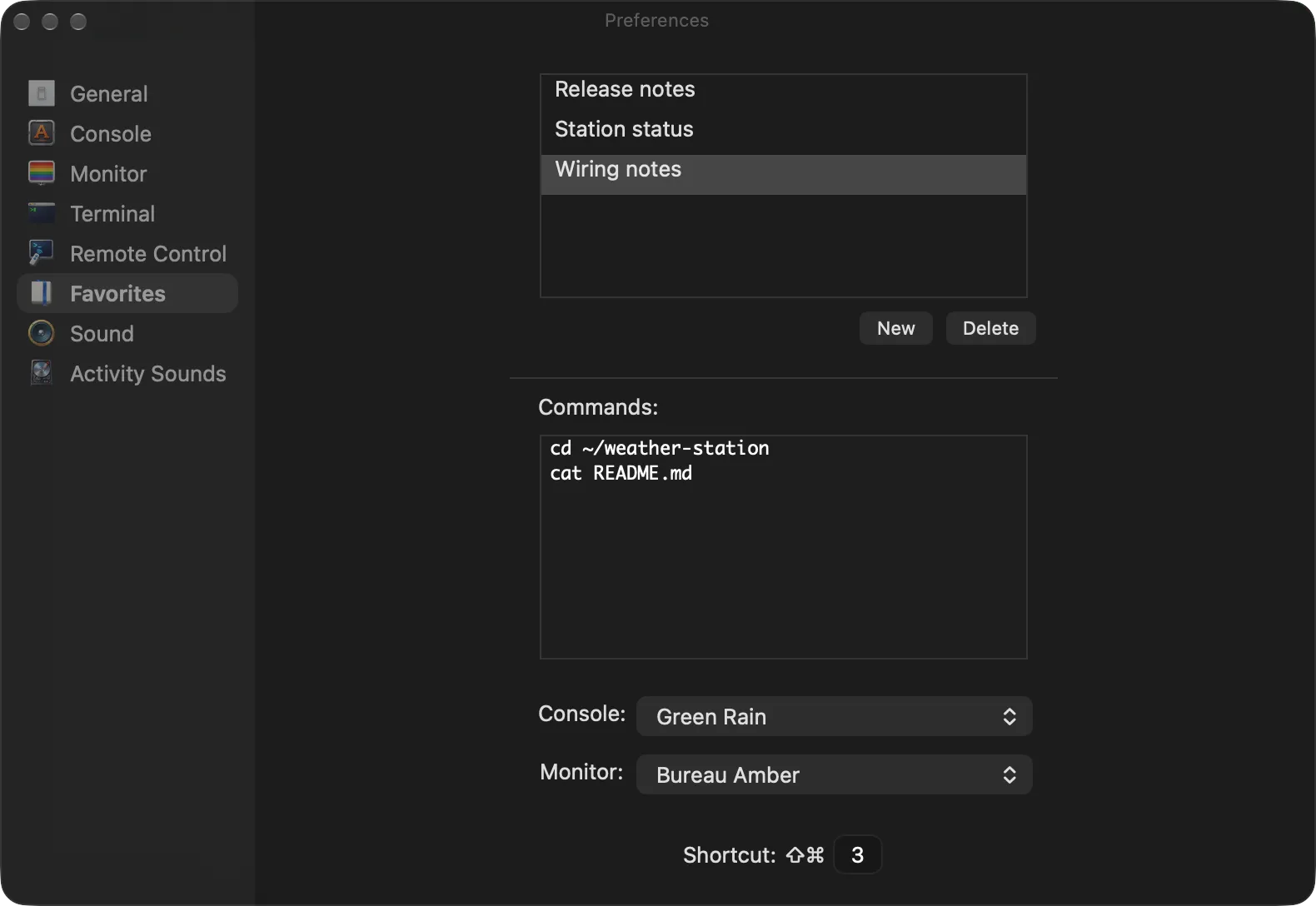
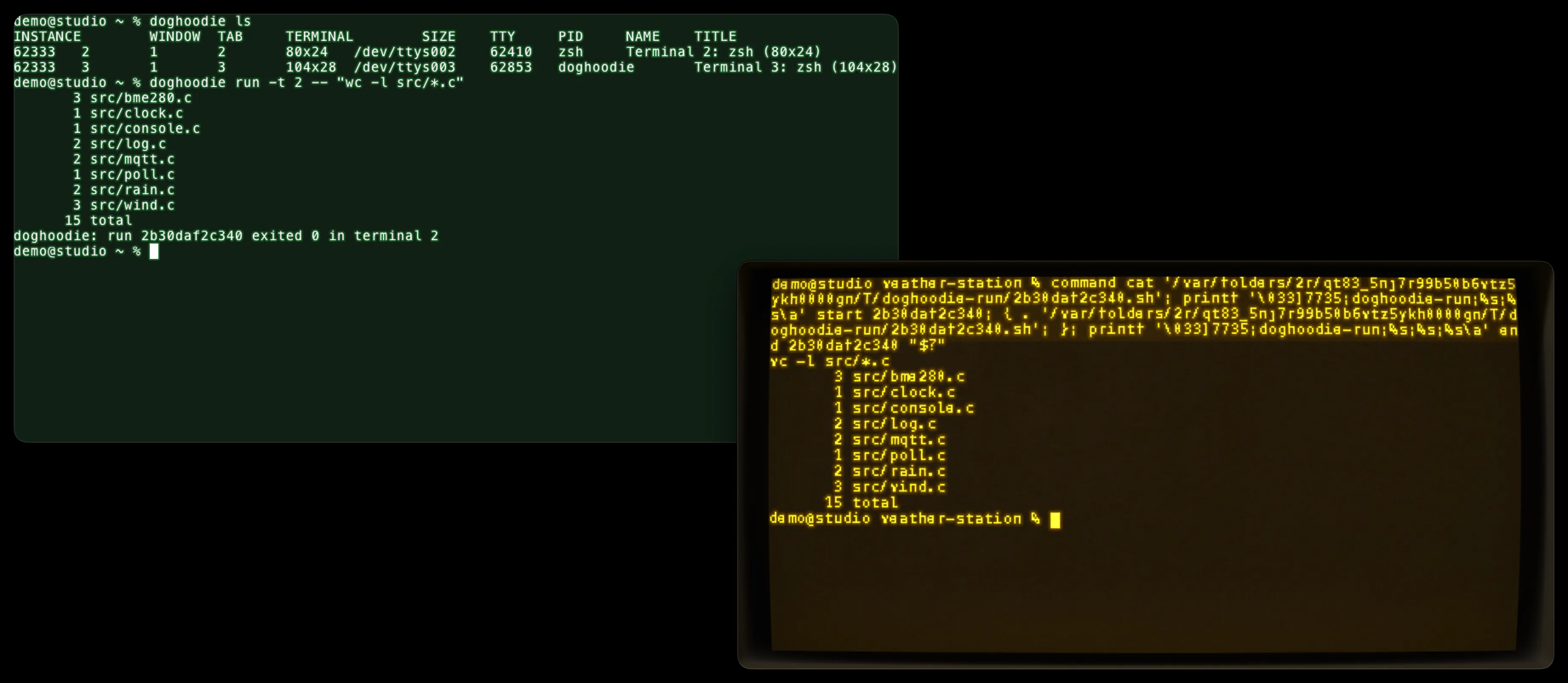
Saved commands with shortcuts in Favorites, a doghoodie command-line tool that runs commands in a window you choose, and an MCP server so coding agents can run commands in a window you can watch.
The free edition includes the full terminal. It gives each new window a random theme, font and sound set. Pro lets you choose and save them, and unlocks automation.